Android
Free on Google Play — same phone UI you see below.
On Google Play · Web live
Live on Google Play
A prank-call radio station you can leave running all day.
The selling point is simple: non-stop prank-call radio — Phone Losers, Madhouse, Dragonmere, and more — with comedy streams filling the gaps. When a show goes live on Prankcast, KAOS can jump over and carry it so you don’t miss the call night. Optional AM / FM radio simulation and live audio processing on the dial. Standalone app. No CB channel required.
Free on Google Play and in the browser. Adults only (18+).
KAOS-FM is built around the shows people actually stay for — phone chaos, not a generic laugh track.
Primary
Secondary
KAOS doesn’t only play its clockwork lineup — when a Prankcast show is actually live, the dial can ride along.
What you’ll hear
Why it matters
Open the app, hit play, leave it on. That’s the whole pitch.
Standalone radio — no nickname, no channel lobby.
You get the Eastern lineup — live affiliates, comedy stripes, or automation — and if a Prankcast show is live, KAOS can cut over to it.
Home, Schedule, and show pages for Phone Losers, Madhouse, and the rest of the lineup.
Google Play and the web player are both live.
Free on Google Play — same phone UI you see below.
Browser player for desktop and mobile — no install required. Try it.
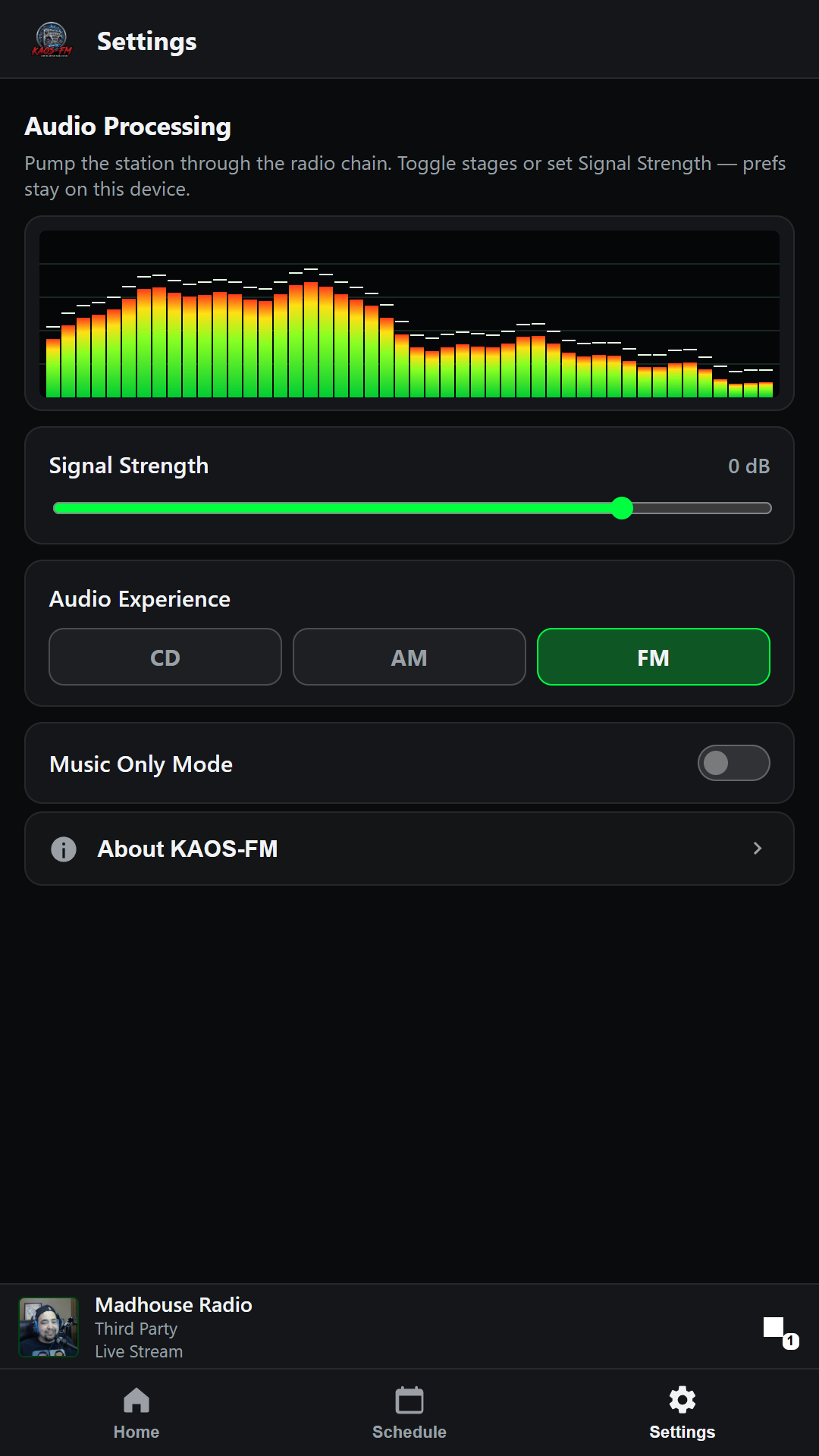
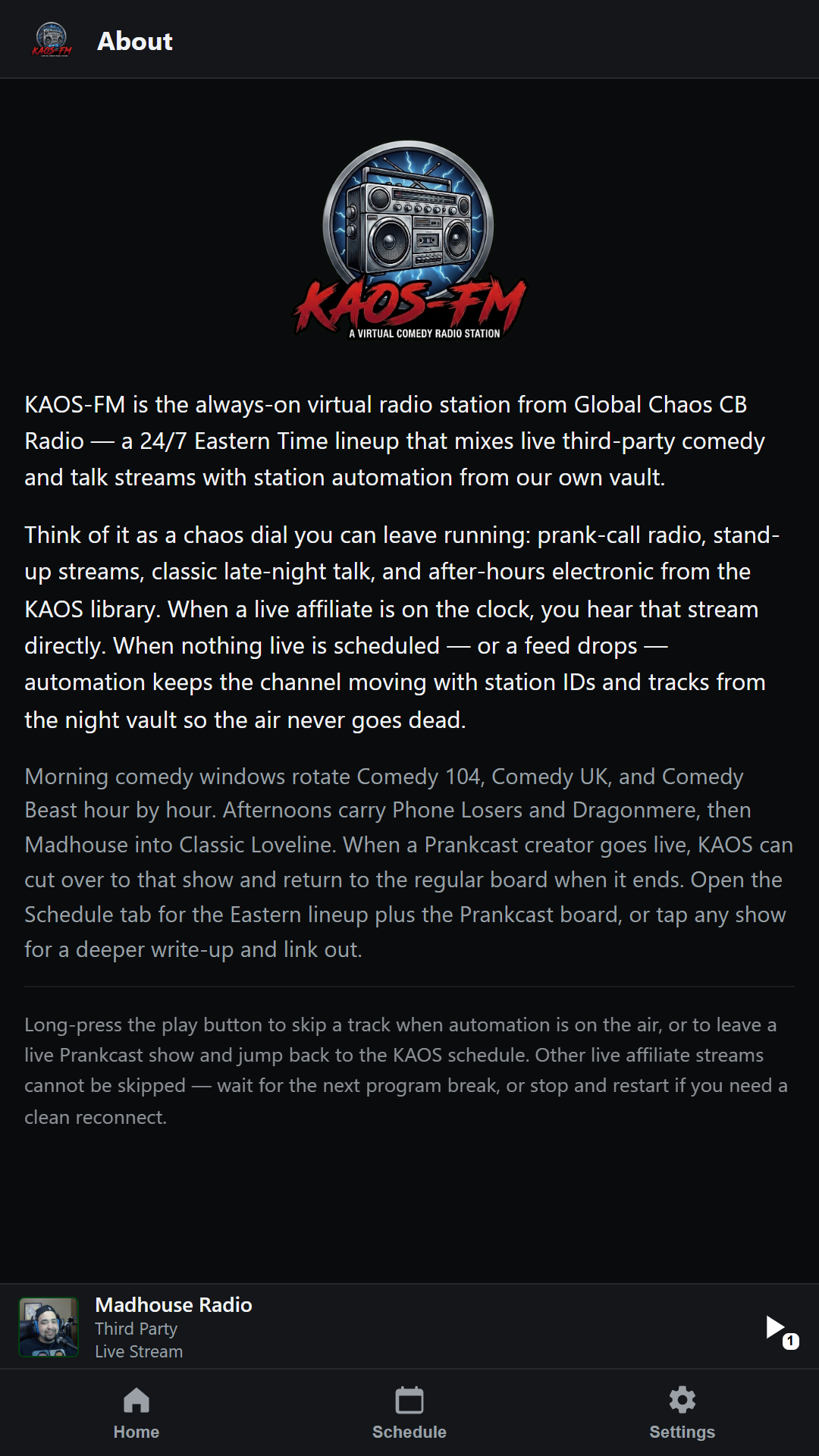
Real builds of the KAOS-FM phone UI — Madhouse Radio on the air.
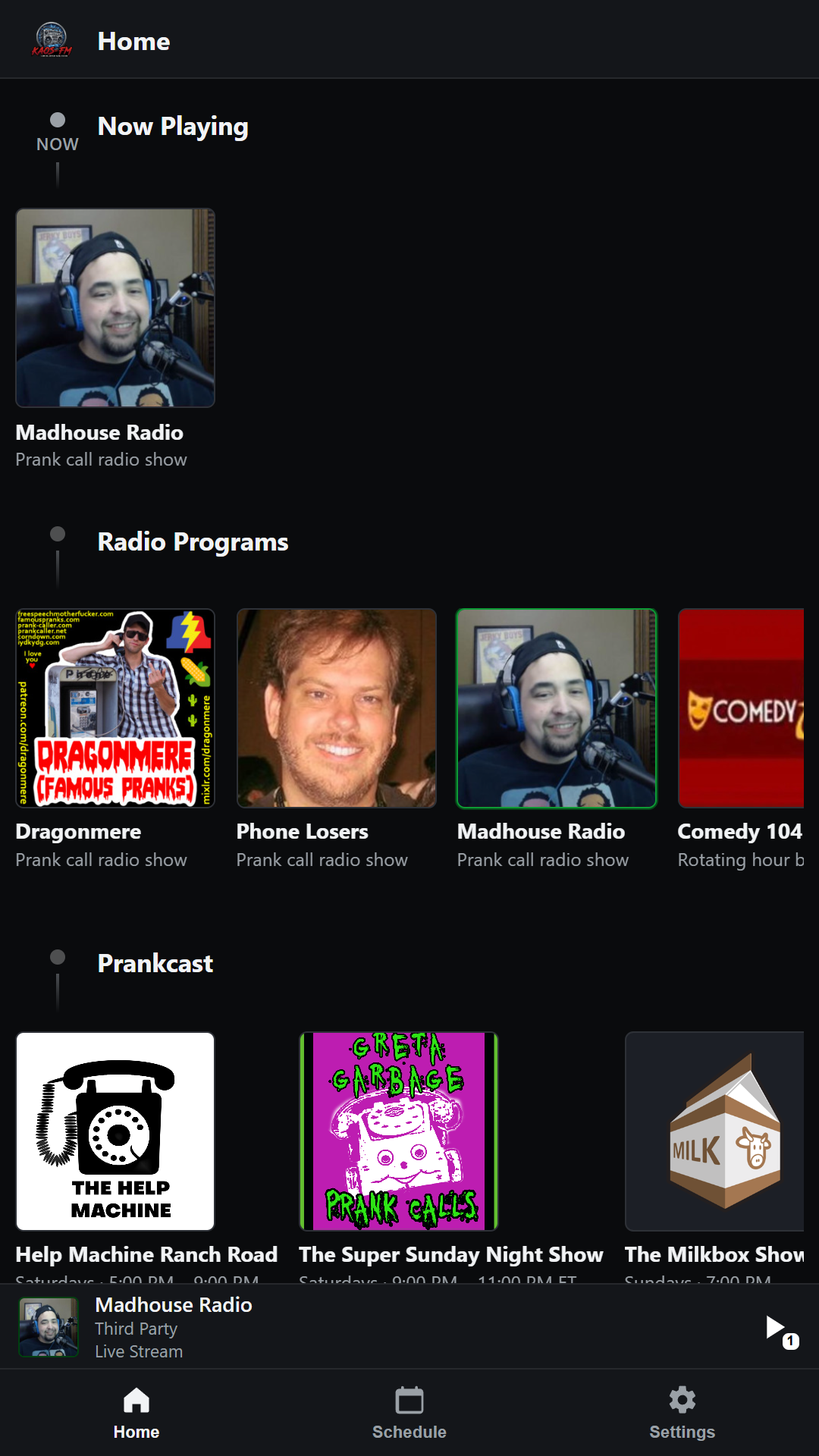
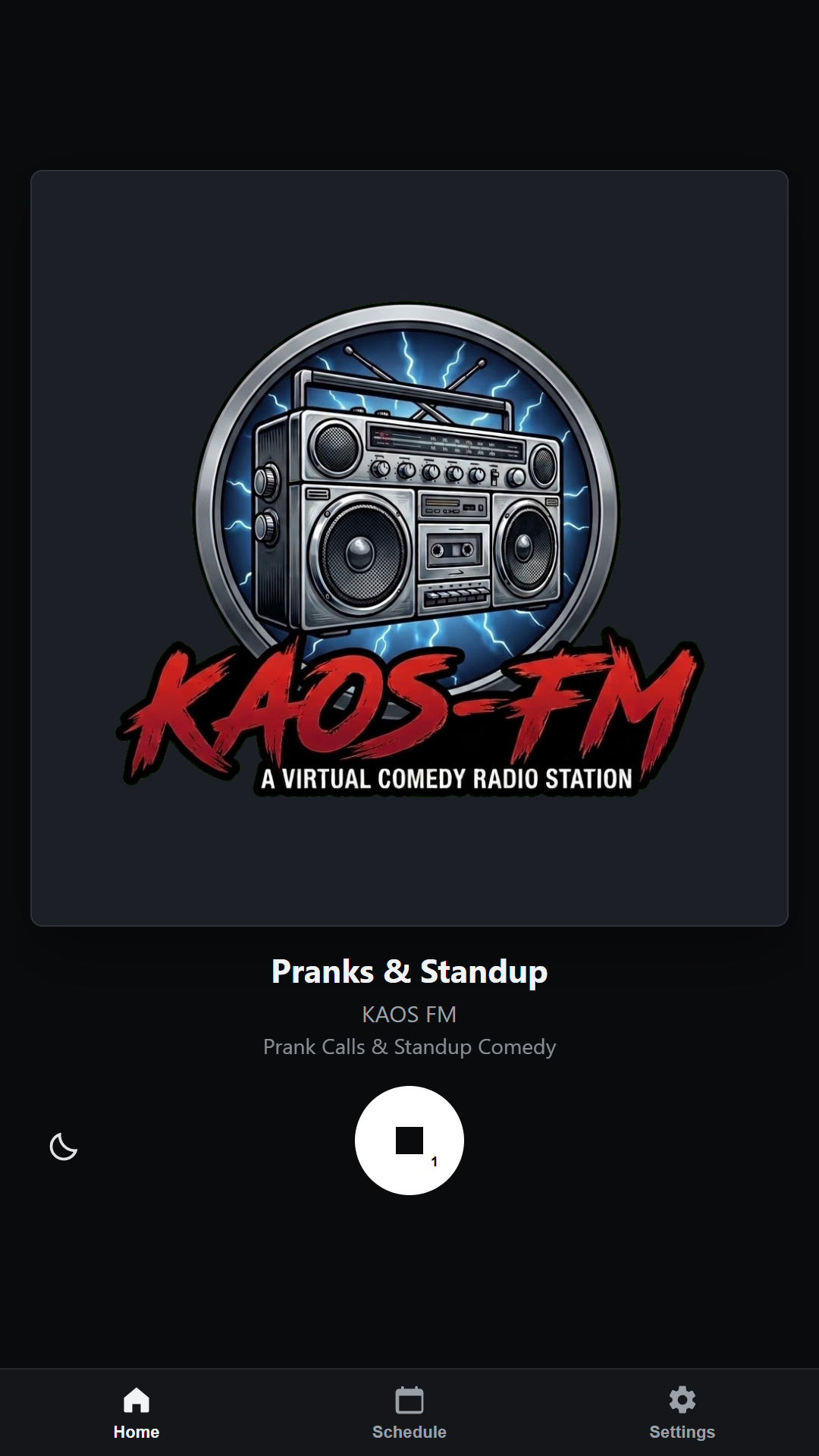
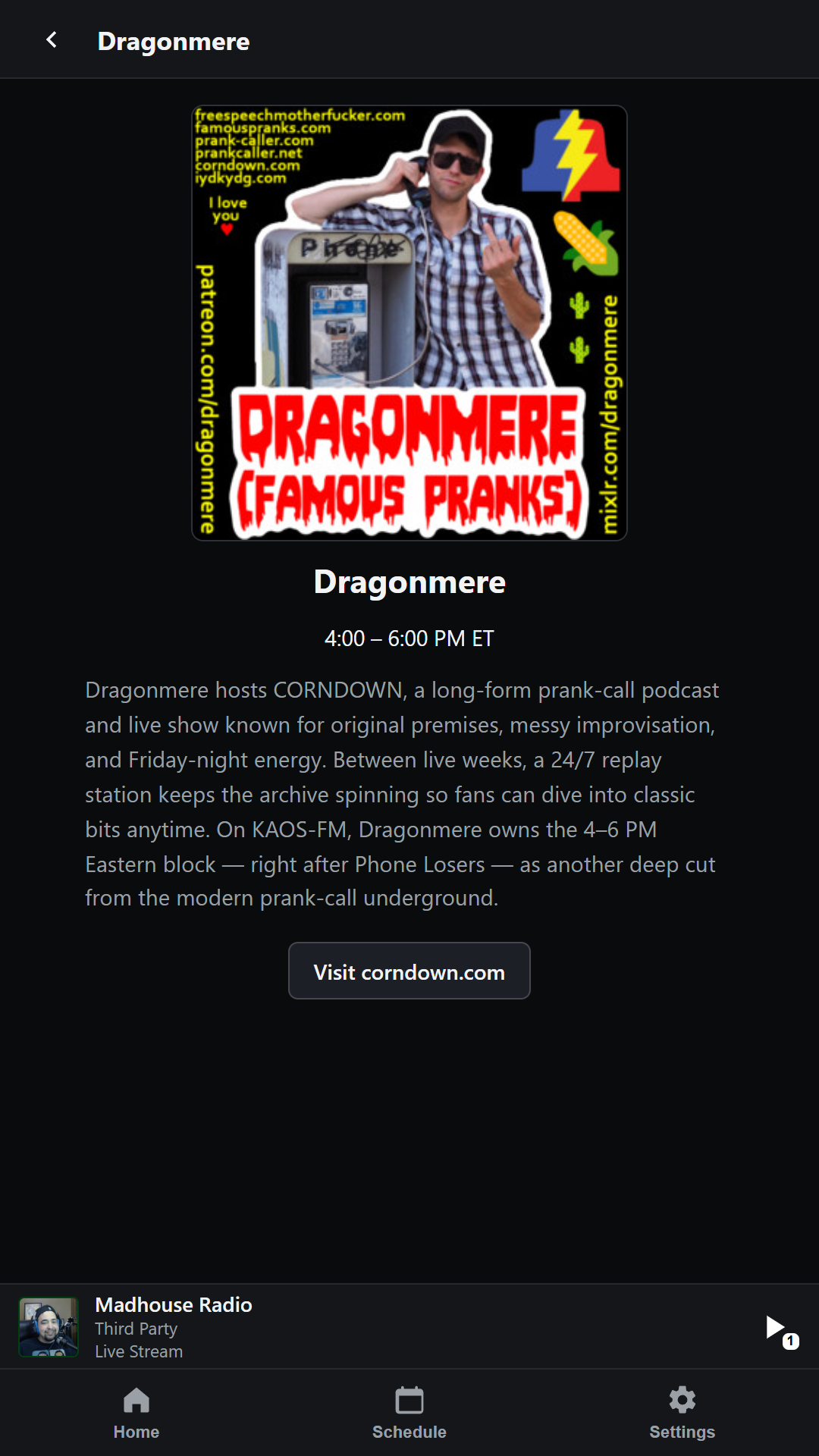
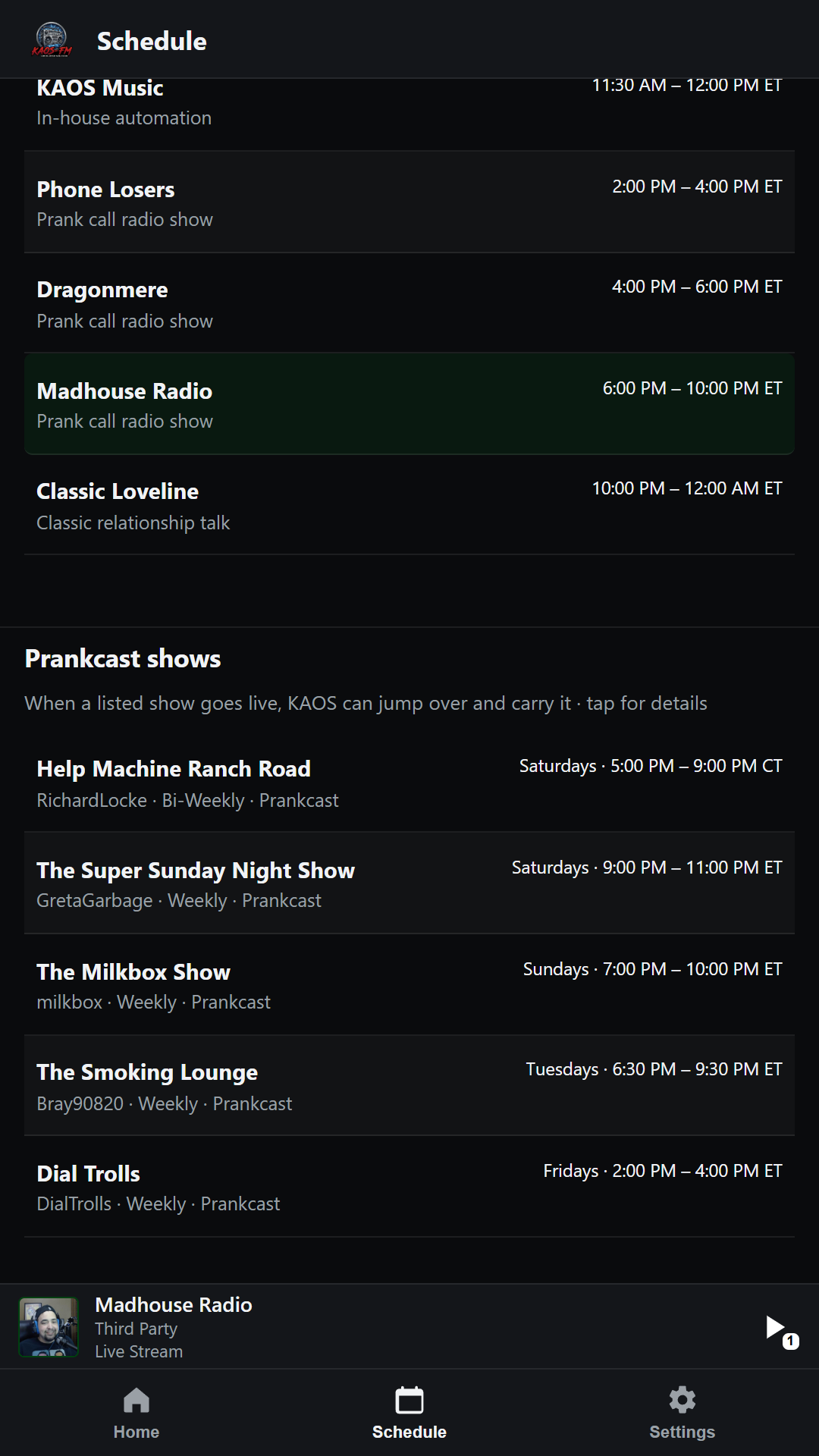
Phone Losers, Madhouse, and Dragonmere own the hours that matter — real affiliate streams, not a fake “prank” playlist.
When creators go live on Prankcast, KAOS can carry that show until it ends — then you’re back on the regular dial. Skip anytime if you’d rather stick with the schedule.
Comedy 104 and Comedy UK rotate when the prank shows aren’t live so the station never goes dead air.
See what’s on now and what’s next. Tap any show for a write-up and link out.
When nothing live is scheduled, automation keeps the channel moving so you can leave it running overnight.
Optional Off / AM / FM processing on the playback chain — narrow AM band with power-line crackle, or FM with a broadcast-style de-esser, light flutter, and additive hiss.
Skip live affiliates and run day/night vault automation when you just want the station’s music bed.
Dial Signal Strength in Settings to ride makeup gain on the radio chain so quieter blocks stay listenable.
Settings shows a Winamp-style spectrum while you tweak the radio chain — it only runs when that page is open.
Park a timer from the fullscreen player when you want the dial to fade out after you fall asleep.
Free on Google Play and in the browser — same station either way.
Same crew behind Global Chaos CB Radio — this is the radio station spun out as its own app.
KAOS-FM pumps every live block through an on-device audio chain you can tweak in Settings — with a live spectrum while you’re on that page.
Radio Simulation
Processing
App, web, or any player that opens an Icecast stream — same station.
https://stream.cbradioapp.com/kaos (AAC — use VLC / foobar / Winamp)